
Settings
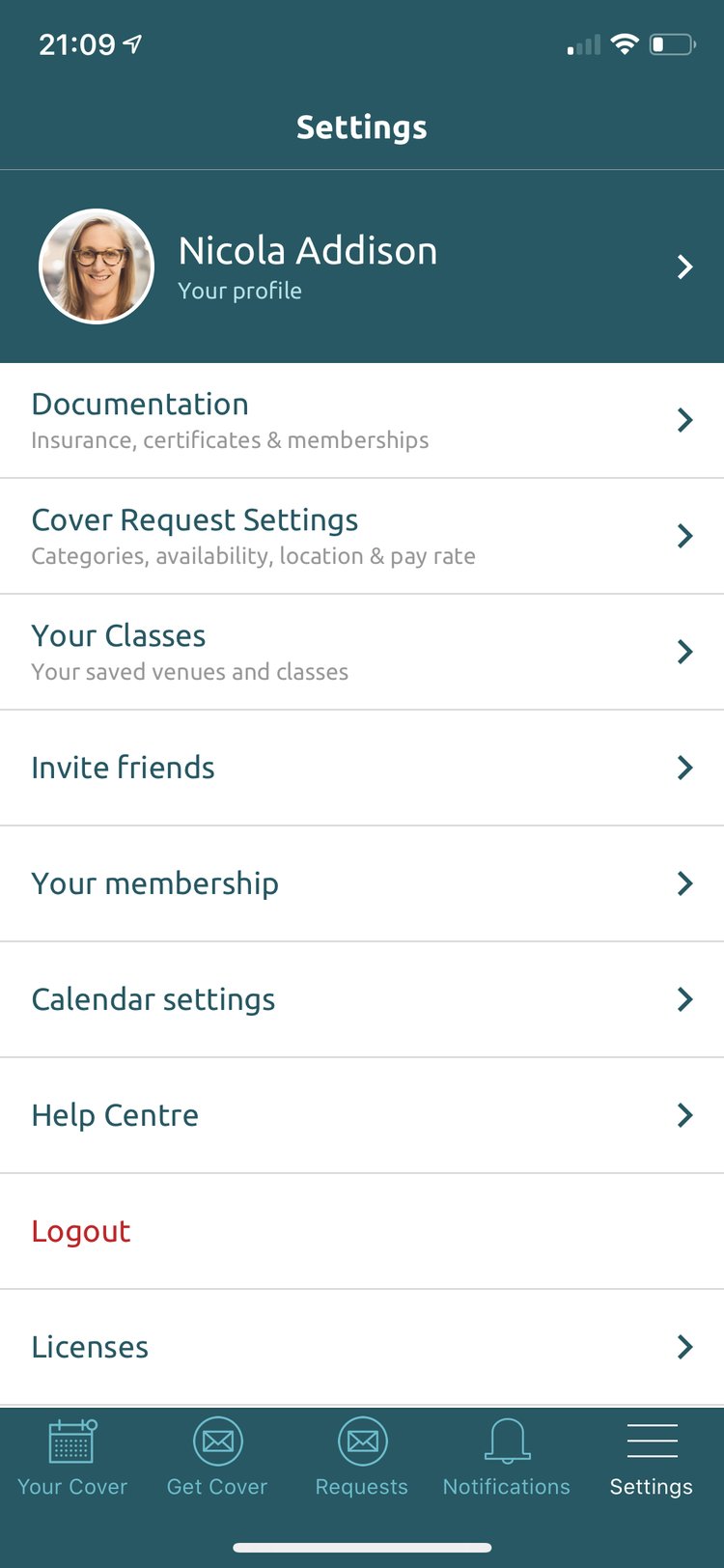
Manage your profile, documents, cover request preferences, calendar and account from the Settings tab.
3 min read
Your profile and cover requests
Your profile
Amend or edit your profile at any time. You can also preview how it appears to venues and other instructors.
Documentation
View, add and remove insurance documents, certificates and industry memberships, and tick the brand payrolls you are on.
Cover Request Settings
Edit the cover requests you receive at any point: your class categories, location, availability and minimum pay rate.
‘Pause Cover Requests’ works like a do not disturb button. While paused you won’t receive any cover requests — un-pause it to start receiving them again.
Your classes
A list of all your scheduled classes at your associated venues, pre-loaded by your venue.
Invite friends
Send fellow instructors a free Cover Ninja membership by text message.
Your membership
Details about your Cover Ninja membership.
Hover or tap a setting to see where it is
App and account
Calendar settings
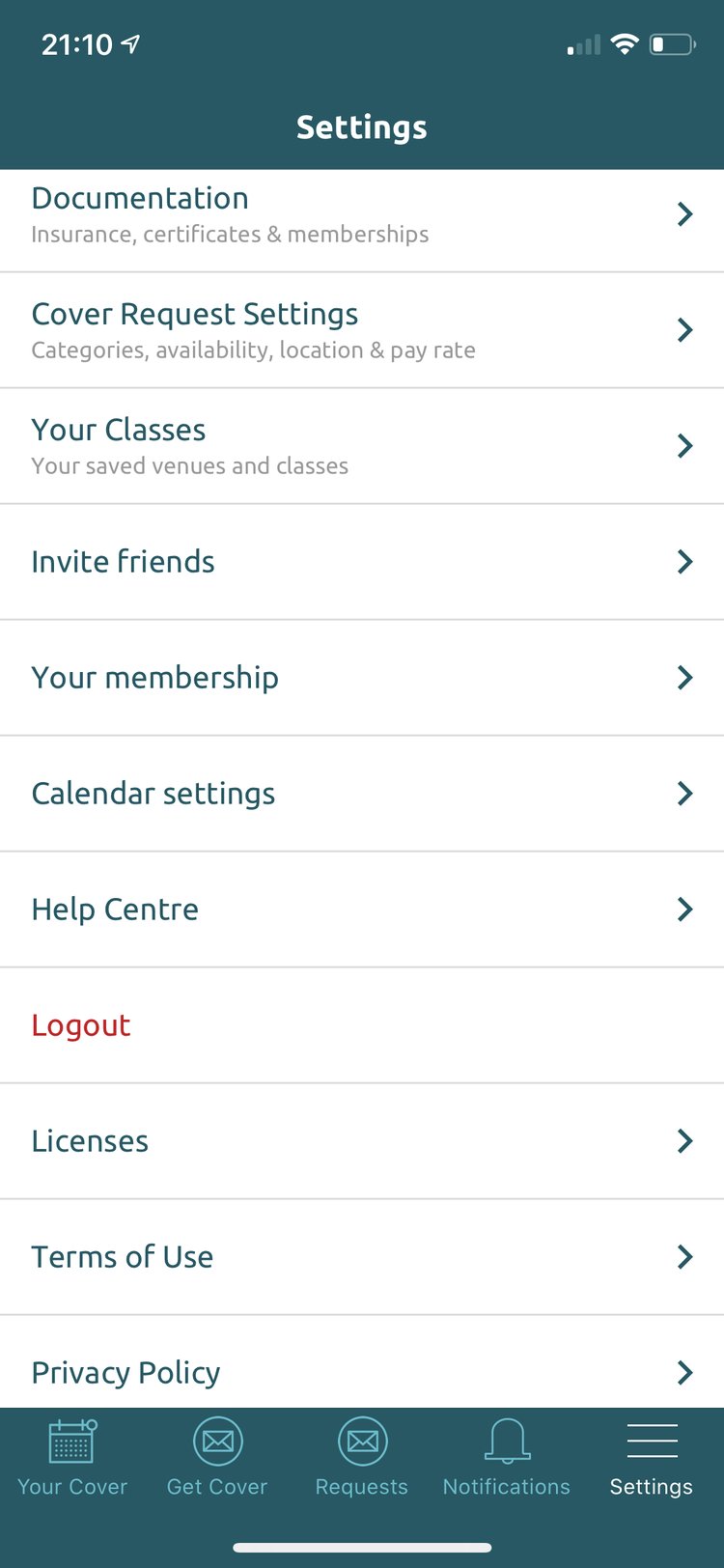
When you’re confirmed to cover a class you can add it to your phone’s calendar. Choose or change which calendar is used here.
Help Centre
A host of Help Centre articles to support your use of the app.
Logout
Logs you out of the app. To log back in, enter the email address linked to your account and the password you created when you registered.
Licenses
Refers to the components and framework of Cover Ninja; it has no bearing on how the app works.
Terms of Use
Opens the Terms of Use on coverninja.co.uk that you agreed to when registering: coverninja.co.uk/terms-of-use
Privacy Policy
Your privacy is important to us. Opens the Privacy Policy on coverninja.co.uk: coverninja.co.uk/privacy-policy
Hover or tap a setting to see where it is