Instructor guide
Notifications
Turn on push notifications so you never miss a cover request, and use the Notifications tab to catch up on everything relevant to your cover.
2 min read
Allow push notifications
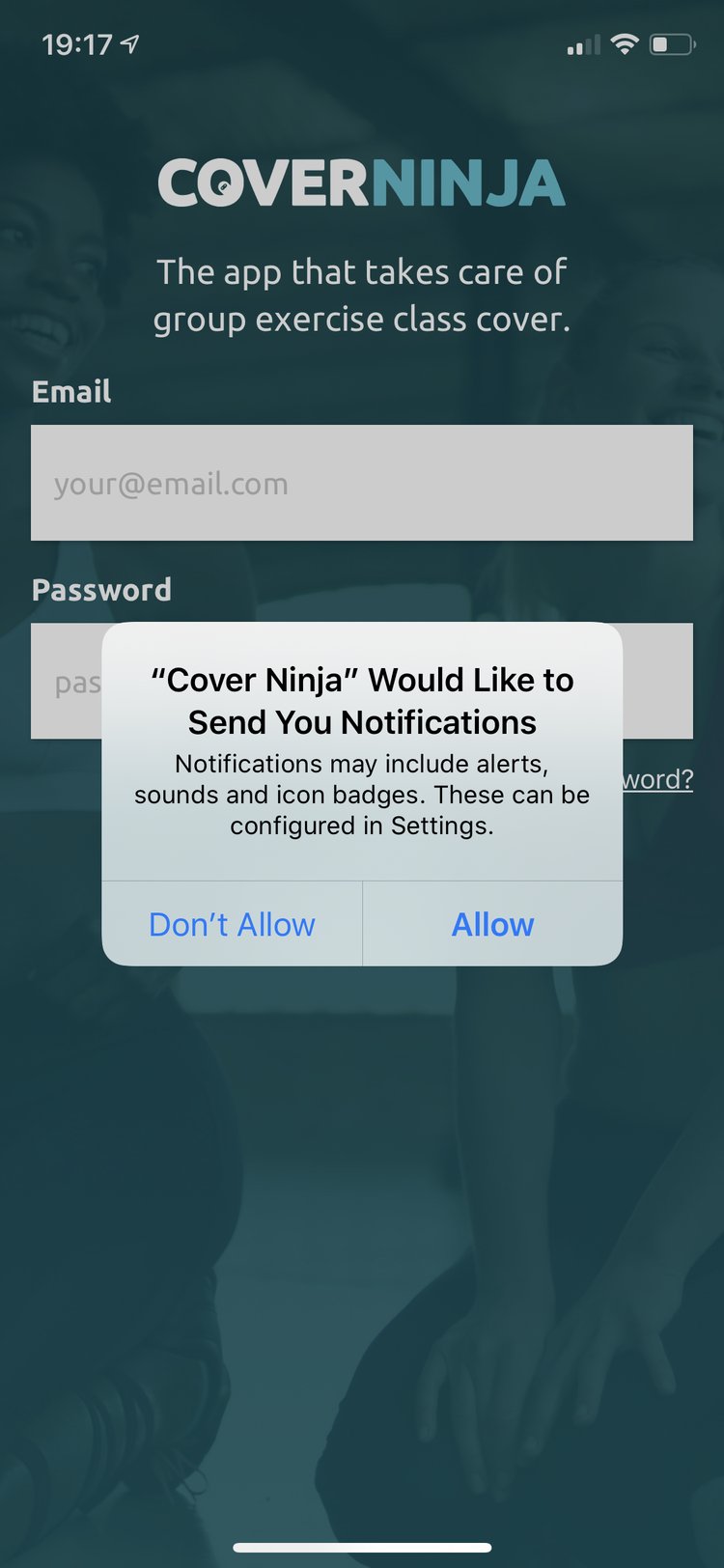
When you first download Cover Ninja you will be asked to ‘Allow’ push notifications from Cover Ninja.
Allowing push notifications ensures you don’t miss out on cover requests and keeps you in the loop when someone is confirmed to cover for you.
The Notifications tab
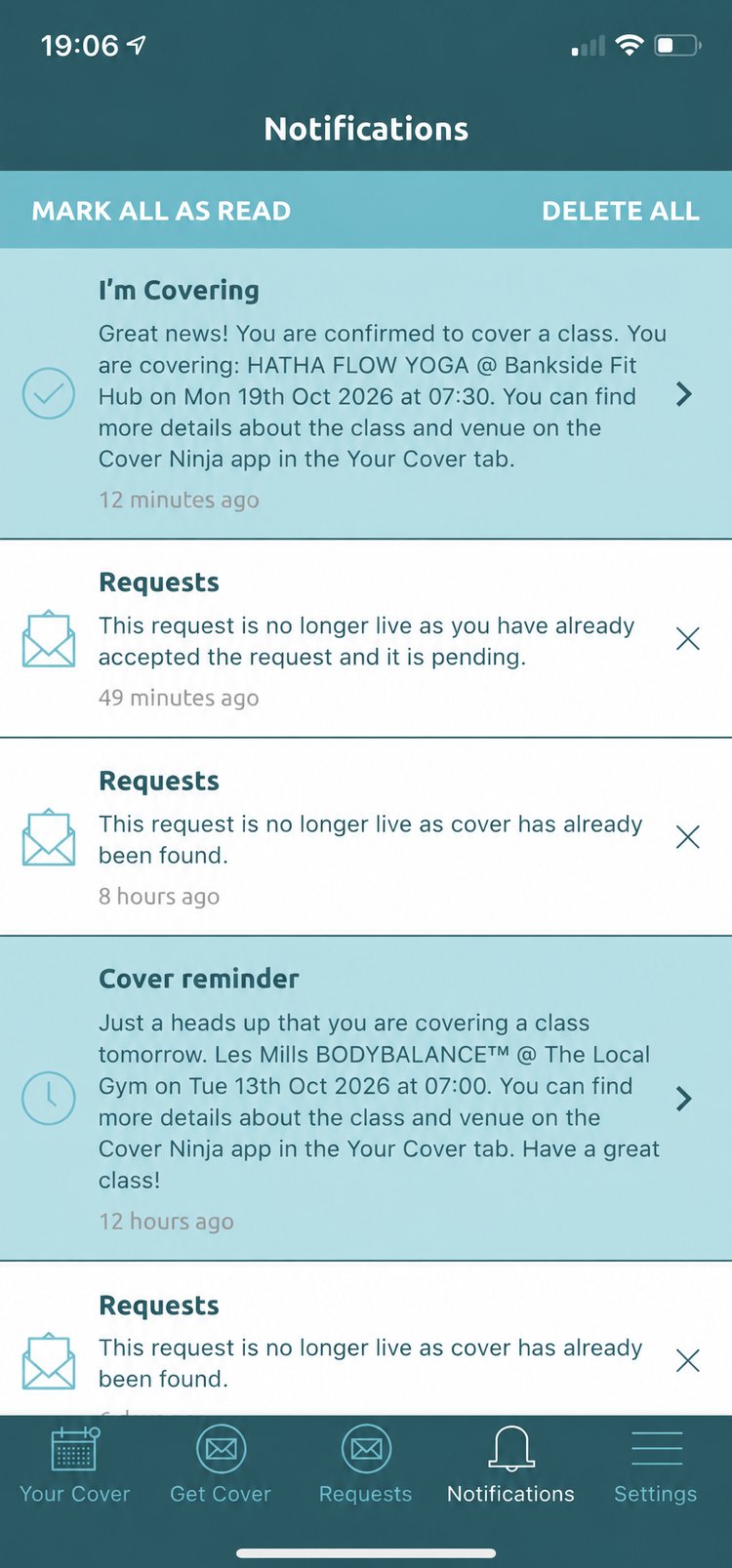
In the app, the Notifications tab previews a list of actions that are relevant to Your Cover — confirmations, request updates and reminders for classes you’re covering.
If a notification is listed in white, it has been read. Use ‘Mark all as read’ or ‘Delete all’ at the top to tidy your list.